
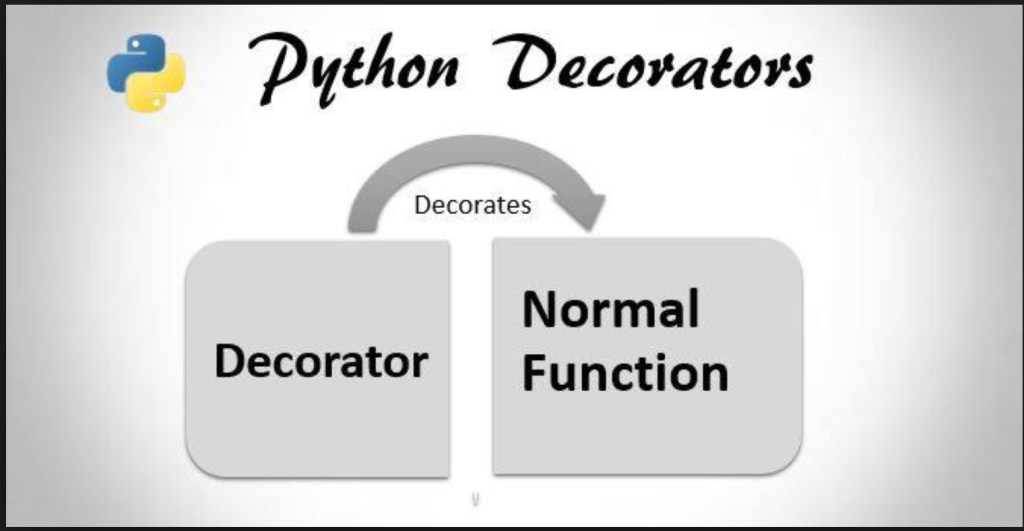
Python Decorator
Python Decorator is a relative change that you do in Python syntax to adjust the functions quickly.
Any sufficiently generic functionality you can “tack on” to an existing class or function’s behavior makes a great use case for decoration. This includes:
- logging,
- enforcing access control and authentication,
- instrumentation and timing functions,
- rate-limiting,
- caching; and more.
Everything in Python is an object:
First of all let’s understand functions in Python:
def hi(name=”Janani”):
return “hi ” + name
print(hi())
# output: ‘hi Janani’
# We can even assign a function to a variable like
greet = hi
# We are not using parentheses here because we are not calling the function hi
# instead we are just putting it into the greet variable. Let’s try to run this
print(greet())
# output: ‘hi Janani’
# Let’s see what happens if we delete the old hi function!
del hi
print(hi())
#output: NameError
print(greet())
#output: ‘hi Janani’
Defining functions within functions:
So those are the basics when it comes to functions. Let’s take your knowledge one step further. In Python we can define functions inside other functions:
def hi(name=”Janani”):
print(“now you are inside the hi() function”)
def greet():
return “now you are in the greet() function”
def welcome():
return “now you are in the welcome() function”
print(greet())
print(welcome())
print(“now you are back in the hi() function”)
hi()
#output:now you are inside the hi() function
# now you are in the greet() function
# now you are in the welcome() function
# now you are back in the hi() function
# This shows that whenever you call hi(), greet() and welcome()
# are also called. However the greet() and welcome() functions
# are not available outside the hi() function e.g:
greet()
#output: NameError: name ‘greet’ is not defined
So now we know that we can define functions in other functions. In other words: we can make nested functions. Now you need to learn one more thing, that functions can return functions too.
Returning functions from within functions:
It is not necessary to execute a function within another function, we can return it as an output as well:
def hi(name=”Janani”):
def greet():
return “now you are in the greet() function”
def welcome():
return “now you are in the welcome() function”
if name == “yasoob”:
return greet
else:
return welcome
a = hi()
print(a)
#output: <function greet at 0x7f2143c01500>
#This clearly shows that `a` now points to the greet() function in hi()
#Now try this
print(a())
#outputs: now you are in the greet() function
Just take a look at the code again. In the if/else clause we are returning greet and welcome, not greet() and welcome() . Why is that? It’s because when you put a pair of parentheses after it, the function gets executed; whereas if you don’t put parenthesis after it, then it can be passed around and can be assigned to other variables without executing it. Let me explain it in a little bit more detail. When we write a= hi() , hi() gets executed and because the name is Janani by default, the function greet is returned. If we change the statement to a=hi(name=”paartha”) then the welcome function will be returned. We can also do print hi()() which outputs now you are in the greet() function.
Giving a function as an argument to another function:
def hi():
return “hi Janani!”
def doSomething(func):
print(“I am doing some boring work before executing hi()”)
print(func())
doSomething(hi)
#outputs:I am doing some boring work before executing hi()
# hi Janani!
Now you have all the required knowledge to learn what decorators really are. Decorators let you execute code before and after a function.
Writing your first decorator:
In the last example we actually made a decorator! Let’s modify the previous decorator and make a little bit more usable program:
def a_new_decorator(a_func):
def wrapTheFunction():
print(“I am doing some boring work before executing a_func()”)
a_func()
print(“I am doing some boring work after executing a_func()”)
return wrapTheFunction
def a_function_requiring_decoration():
print(“I am the function which needs some decoration to remove the dirt”)
a_function_requiring_decoration()
#output: “I am the function which needs some decoration to remove the dirt”
a_function_requiring_decoration = a_new_decorator(a_function_requiring_decoration)
#now a_function_requiring_decoration is wrapped by wrapTheFunction()
a_function_requiring_decoration()
#output :I am doing some boring work before executing a_func()
# I am the function which needs some decoration to remove the dirt
# I am doing some boring work after executing a_func()
Did you get it? We just applied the previously learned principles. This is exactly what the decorators do in Python! They wrap a function and modify its behaviour in one way or another. Now you might be wondering why we did not use the @ anywhere in our code? That is just a short way of making up a decorated function. Here is how we could have run the previous code sample using @.
@a_new_decorator
def a_function_requiring_decoration():
“””Hey you! Decorate me!”””
print(“I am the function which needs some decoration to “
“remove the dirt”)
a_function_requiring_decoration()
#output : I am doing some boring work before executing a_func()
# I am the function which needs some decoration to remove the dirt
# I am doing some boring work after executing a_func()
#the @a_new_decorator is just a short way of saying:
a_function_requiring_decoration = a_new_decorator(a_function_requiring_decoration)
I hope you now have a basic understanding of how decorators work in Python.
Tip of the day:
How to find or perform static analysis in a Python application?
You can use PyChecker, which is a static analyzer. It identifies the bugs in Python project and also reveals the style and complexity related bugs.
Another tool is Pylint, which checks whether the Python module satisfies the coding standard.
 TECHIE'S SCRIBBLING